“Swap failed” is an interface message, not a complete account of what happened on-chain. Before retrying, establish whether a transaction was submitted, included and reverted—or whether you only approved spending. Those states explain very different fee outcomes.
First identify the transaction state
Use the transaction hash from your own wallet and the explorer for the correct network. Do not follow a support link sent by an unsolicited account. A screenshot of an error cannot replace the receipt.
| What you see | What to establish |
|---|---|
| Simulation or preparation warning | Was anything submitted? A local warning alone is not an included transaction. |
| Pending or dropped | Is there a receipt, a replacement or a later confirmation? |
| Included, reverted | Read the failure status, gas used and effective gas price. |
| Successful approval, no swap | The approval and intended exchange can be separate transactions. |
Uniswap’s expected-to-fail warning describes a pre-execution check designed to prevent an unsuccessful attempt. Dismissing a warning is not evidence that the underlying token behaviour, allowance or price constraint has been fixed.
Why a reverted transaction can consume ETH
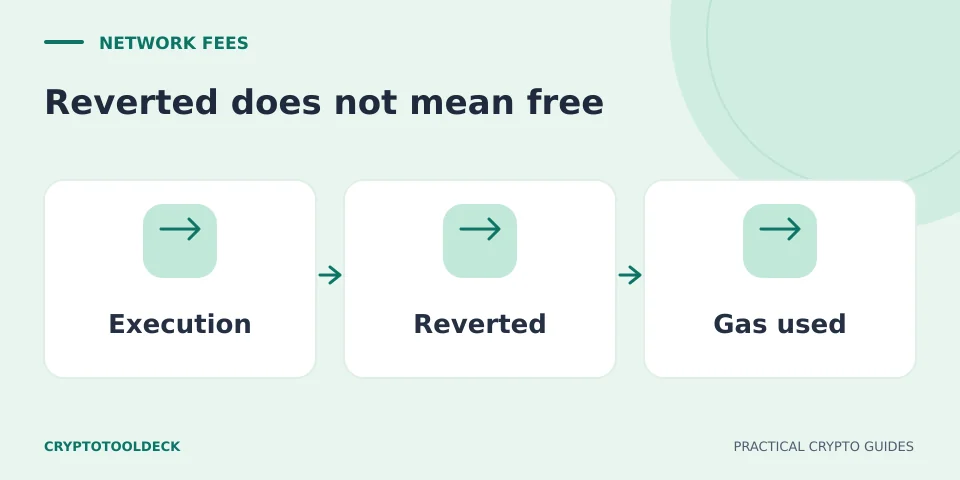
On Ethereum, gas measures execution work. The network can perform work before determining that the transaction must revert, so failure does not make that work free. Ethereum’s gas documentation explains that the execution fee depends on gas used and the price per gas, and applies to failed as well as successful transactions.
For an illustrative Ethereum receipt, suppose gas used is 80,000 and the effective gas price is 12 gwei. The execution fee is 80,000 × 12 × 10⁻⁹ = 0.00096 ETH. That is a worked number, not a typical swap fee. Do not substitute the gas limit for gas used or a fee ceiling for the effective price. The Ethereum gas calculator can reproduce this arithmetic. Other networks and rollups may have additional fee components.
In a standard reverted Ethereum swap transaction, the attempted swap’s state changes are rolled back, but the transaction’s gas accounting remains. This does not undo an earlier, separate approval or transfer. Nor does it establish that every step in a bridge journey has reversed. Identify each transaction independently rather than treating the entire app session as one atomic action.
Check whether you paid for permission rather than a swap
A successful approval may authorise a contract to spend a token without exchanging that token yet. Uniswap explains the approval transaction as a distinct permission step. If your history shows approval success followed by a rejected signature or an unsubmitted swap, the earlier fee can be genuine even though you received no output token.
Write down the hashes in order: approval, attempted swap and any replacement. Compare the transaction’s destination and decoded action where available. A wallet’s short activity label may hide details; a successful receipt also does not, by itself, prove that you received the asset you expected.
Diagnose before repeating
Keep the actual error, token contracts, network, time, requested amount and receipt. Ask whether the failure points to a stale quote, insufficient native balance, an allowance mismatch, unsupported token mechanics or another contract condition. Do not assume all failures can be solved by increasing tolerance or the gas limit.
When contacting the wallet or service’s official support, provide the public transaction hash and a short description of the intended action. Redact unrelated account information. Never provide a recovery phrase or sign a “verification” transaction to an unsolicited helper. The Permit2 guide explains why even a signature with no gas charge can authorise value movement.
The useful stopping point is a specific cause you can explain, not simply a transaction that finally succeeds. If the meaning of the request remains unclear, another attempt adds uncertainty and possibly another fee.
Educational information, not a wallet audit, transaction validation or personalised financial advice. Service support and interfaces can change. Report an error with the page URL; never send recovery phrases or private keys.