A wallet asking you to sign a message is not always asking you to log in. Some signatures authorise token spending. “No gas fee” describes how the signature is produced; it does not tell you what somebody can do with it afterwards.
Separate the permission layers
In a Permit2 flow, an ERC-20 allowance can first let the Permit2 contract move a token. A subsequent permission controls what an integrating spender can request through Permit2. The Uniswap Permit2 approval guide explains this distinction. A legitimate earlier approval does not make every later signature request legitimate.
Consider a hypothetical wallet holding 100 DEMO tokens. It has previously approved Permit2 for that token. A new website asks for a signature involving DEMO, a spending address and an amount. The important question is not whether you paid gas this time. It is whether the requested authority matches the action you intended. A familiar token symbol and a professional-looking website are not sufficient evidence.
Two Permit2 mechanisms are not interchangeable
The Permit2 developer overview describes two modules. SignatureTransfer uses a nonce-scoped, one-time signature for a transfer; that signature does not create a standing per-spender allowance. AllowanceTransfer supports an amount-limited, time-bound allowance that can be used repeatedly while it remains valid. Both depend on the relevant token’s underlying approval to Permit2.
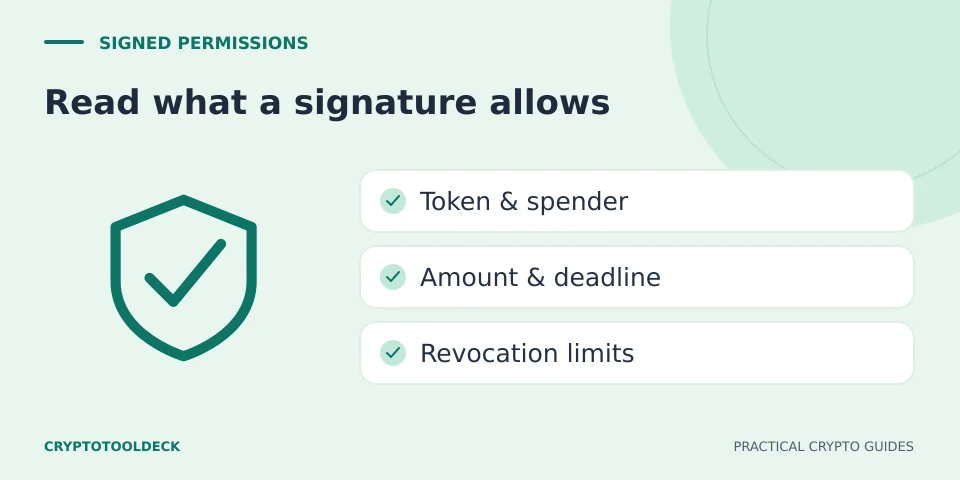
A signature deadline limits when a signature can be used. In allowance flows, an allowance expiration is a separate limit on the resulting permission. A nonce helps define whether a signature has been used or invalidated. None of these fields says that the spender is trustworthy. A one-time authorisation for a large amount can still be harmful.
A practical signing review
Before accepting, compare the request with a sentence describing what you meant to do: “Spend up to this amount of this token, on this network, for this action.” Then check the visible details against that sentence.
- Origin: Did you open the intended service independently, or arrive through a chat link, advert or impersonated support message?
- Network and contract: Are you reviewing the expected chain and verified token, not merely its displayed name?
- Spender: Does the address match the service’s documented contract for this operation? A wallet label alone may be incomplete.
- Amount: Is it consistent with your intended operation, or much larger than necessary? Review every token in a batch.
- Timing: Can you identify the signature deadline and, where applicable, the allowance expiration?
- Purpose: Can you explain why a login, claim or support interaction needs this spending authority?
If the wallet cannot display enough information, do not infer safety from the absence of a warning. Pause and consult the service’s official documentation. This checklist is an interpretation aid, not a contract audit or a guarantee that an apparently matching transaction is safe.
Why “I did not send a transaction” is not enough
Uniswap’s signature-scam guidance warns that an attacker may obtain a spending signature and submit it later. Someone else can pay the network fee for the authorised action. Checking only whether your wallet paid gas misses that possibility.
A request presented as a harmless verification can therefore deserve the same care as an explicit transfer. Do not sign a second unexplained message because someone says it cancels the first one. Preserve the site address, displayed fields and time, and use official wallet or protocol documentation to identify the relevant permission.
Disconnecting is a different action
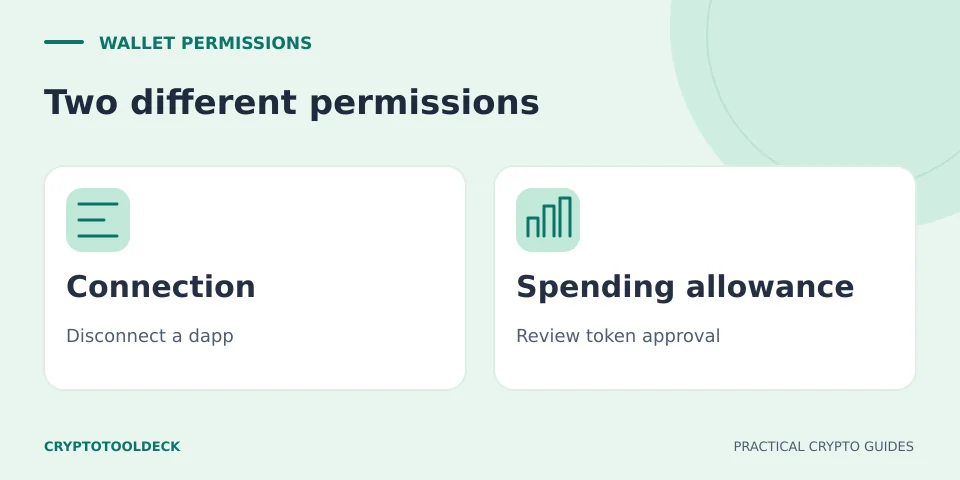
Removing a website connection is not the same as cancelling a token allowance, a Permit2 allowance or every unsubmitted signature. Different permission types have different invalidation mechanisms. See disconnecting vs revoking approvals for the broader distinction; do not assume that one clean allowance screen proves there is no remaining risk.
Recovery phrases and private keys are never needed by CryptoToolDeck. If either has been exposed, the problem goes beyond a single spender permission. Avoid helpers who promise certain recovery or ask for another deposit; our Telegram and WhatsApp scam checklist covers that separate warning pattern.
Educational information, not a wallet audit, transaction validation or personalised financial advice. Service support and interfaces can change. Report an error with the page URL; never send recovery phrases or private keys.