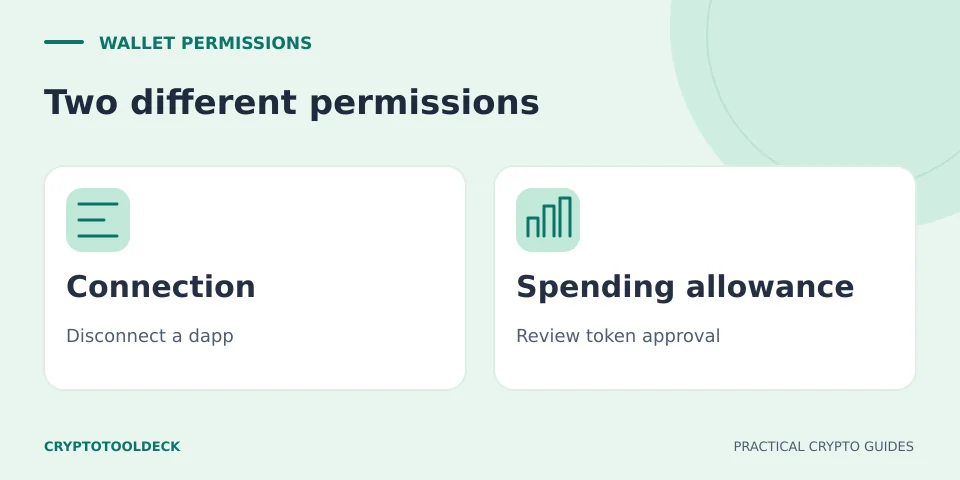
Disconnecting a dapp does not cancel its existing token allowance. Disconnecting ends the wallet connection. Revoking changes a particular spending permission onchain. Neither action reverses a completed transfer or repairs a leaked seed phrase.
The distinction matters because connecting, approving and swapping may look like one continuous workflow. They are separate actions. MetaMask’s allowance guide explicitly separates disconnecting a dapp from revoking its approvals.
Connection, allowance and token transfer
| Action | What changes | What remains |
|---|---|---|
| Disconnect the dapp | The active wallet-to-site connection ends. | Existing onchain allowances and public transaction history. |
| Revoke an allowance | The selected spender’s allowance for that token is set to zero. | Other approvals, other networks and past transfers. |
| Approve a limited amount | A spender gets a specified spending limit. | The risk of that permission being misused within its scope. |
Disconnecting is useful when you no longer want a site connected, but it is not a privacy eraser: anyone who knows a public address can still inspect its public activity. An allowance is instead stored in the token contract. The ERC-20 standard defines the owner, spender and remaining allowance used for delegated token transfers.
A 100-token allowance example
Suppose a standard ERC-20 token records an allowance of 100 tokens for a swap contract. The contract spends 30 using that allowance. In this simplified example, the remaining allowance is 70. Closing the browser or disconnecting the site does not turn that 70 into zero.
Revoking the remaining permission prevents further transfers under that specific allowance after the revocation is confirmed. It does not retrieve the 30 already transferred. A different spender’s allowance for the same token is a separate entry. So is an approval on another network.
This example describes the conventional ERC-20 allowance model, not every token implementation. Unlimited approvals, NFTs, permit systems and smart-account permissions can behave differently. A clean ERC-20 allowance list is not a complete security assessment.
What to check before revoking
- Use a verified entry point. Open your wallet’s own permission controls or follow its official help documentation. Avoid a revocation link supplied in an unsolicited message. CryptoToolDeck does not connect to your wallet or revoke anything for you.
- Confirm the account and network. Review the token contract, spender address and allowance—not just an app name or logo. An approval you remove on one chain does not remove a separate approval elsewhere.
- Read the wallet confirmation. An ordinary ERC-20 revocation should remove the selected allowance; an unexpected broad permission or asset transfer is a reason to stop. If you cannot identify the requested action, do not sign it.
- Check the network fee. Revoking a standard onchain allowance is a transaction and normally requires gas. It is not free just because disconnecting the site was free. Do not blindly add gas if you suspect the key itself is compromised.
- Verify the confirmed result. Check the allowance again after confirmation. A submitted or pending transaction is not the same as a completed change. Repeat only for the other permissions you actually intend to remove.
MetaMask’s revocation guidance explains the permission distinction. Coinbase’s legacy wallet documentation also distinguishes connection controls, token approvals and the network fee. Exact menus vary by wallet and version; the latter page is not a guide to the current Base app interface.
“I only signed a message” is not enough information
Some signed messages can authorise spending. EIP-2612 permits, for example, allow a signed approval to be submitted onchain later. Not paying a fee at the time of signing does not prove that no permission was granted.
An approval dashboard cannot discover every unsubmitted offchain signature. Revoking a currently visible allowance therefore does not prove that all outstanding authorisations have been neutralised. If a signature may be malicious, use the wallet or protocol’s official incident guidance for that specific signature type. Revoke.cash explains permit activation and cancellation limits.
Revoking is not a fix for a leaked seed phrase
Someone with your seed phrase or private key is not limited to an old dapp allowance. They may control the account itself. If funds disappear immediately after arriving, stop repeatedly topping it up for gas and seek the wallet provider’s official security guidance. Revoke.cash describes the difference between approval risk and seed-phrase compromise.
Do not reuse a compromised recovery phrase as the basis of a “new” wallet, and do not give it to a person offering to help. Revocations cannot recover funds already transferred. Where the cause is unclear, avoid interpreting a successful revocation as proof that the wallet is safe.
For ordinary Ethereum execution-fee arithmetic, see the gas fee calculator. It does not inspect permissions, assess wallet safety or submit transactions.
Educational information, not a wallet audit, transaction validation or personalised financial advice. Service support and interfaces can change. Report an error with the page URL; never send recovery phrases or private keys.