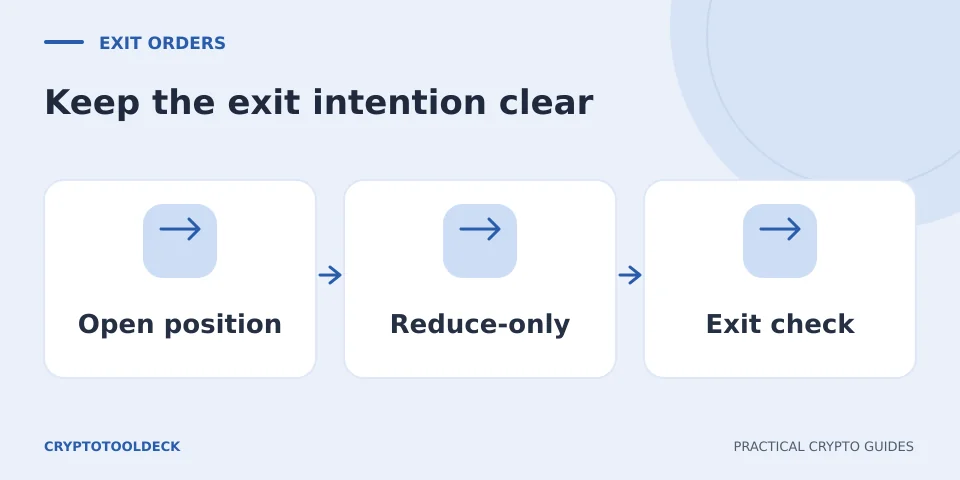
An exit order that was correct when you opened a trade can become oversized after a partial close. The problem is not necessarily its price. It is whether executing the remaining order could create new exposure after the original position is gone.
One partial exit can leave an old order too large
Imagine a hypothetical one-way account with a long position of 1 coin. You place a sell order for the full coin, then separately sell 0.4 coin at an earlier target. Your remaining long is 0.6 coin. If the original unrestricted 1-coin sell later executes in full, its arithmetic is 0.6 − 1 = −0.4 coin: a 0.4-coin short, assuming the account permits the reversal.
This is why an exit plan needs more than a list of targets. It needs the current position size and the actual order instructions. A Telegram message saying “close at target” does not configure an exchange’s order flags. The person entering the order still has to check them.
Reduce-only constrains the effect of execution
A reduce-only instruction is intended to reduce an existing position without increasing it or opening the opposite one. Bybit’s reduce-only documentation describes how its limit-order quantity can be adjusted or canceled in relation to the open position and other orders. This is product behaviour, not a promise that every venue accepts the same oversized order.
In the example above, the intended closing amount is now 0.6 coin. A closing-only constraint is relevant to preventing the remaining 0.4 from turning into a new position. It does not tell you when a limit order will fill, whether there is enough market liquidity or whether a submitted order was accepted.
Close on Trigger applies closing intent to a conditional order
Bybit’s named Close on Trigger feature applies to conditional closing orders and includes exchange-specific treatment of the remaining position and margin resources. It is not a universal exchange-neutral synonym that can be assumed to appear on every order ticket.
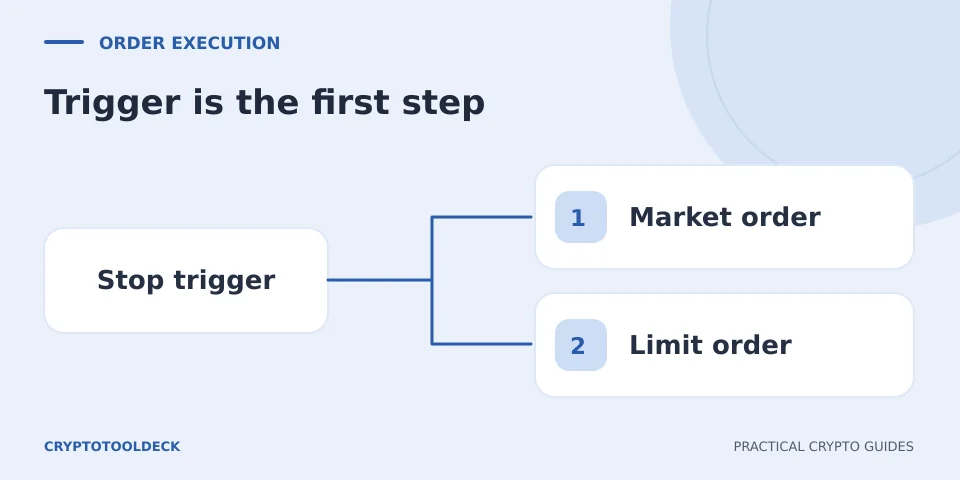
Separate three questions: what causes the order to trigger, what order exists after triggering, and whether that order can only close exposure. A stop can trigger and then become a limit order that remains unfilled. A closing instruction does not turn that limit into a guaranteed fill at the stop price. Read the stop-market and stop-limit guide for that execution distinction.
| Instruction | Question it addresses | What it does not establish |
|---|---|---|
| Trigger condition | When should the conditional instruction activate? | The eventual execution price |
| Market or limit | How should the activated order seek a fill? | A guaranteed complete fill at the displayed trigger |
| Closing-only constraint | May execution increase or reverse exposure? | That the order is accepted or already filled |
Platform checks can occur at different stages
Kraken’s order-options documentation describes reduce-only checks, residual cancellation and different handling of conditional orders. This is a useful reminder to inspect order status after submission and after position changes, rather than treating a checked box as a permanent, platform-independent guarantee.
If a venue supports hedge mode, also identify which position leg the instruction closes. A buy can close a short, open a long or interact with a mode-specific position selector. Do not infer the intended effect from Buy or Sell alone. Check the current product’s support for closing flags in that mode.
Keep a remaining-size ledger
For an illustrative 1-coin plan with exits of 0.4, 0.35 and 0.25, the remaining quantities after full fills are 0.6, 0.25 and zero. If the second exit fills only 0.10, the remainder is 0.50, not 0.25. Update the ledger from executed quantities, not from planned allocations or a price touching a chart line.
After a manual close, inspect outstanding target and stop orders. Confirm which were canceled, resized, rejected or left active. The Multi-TP calculator models chosen fill scenarios; it cannot monitor an account, set exchange flags or know whether any order actually executed.
Educational information, not a wallet audit, transaction validation or personalised financial advice. Service support and interfaces can change. Report an error with the page URL; never send recovery phrases or private keys.